June 20, 2026
How to Make AI Videos in 2026: The Complete Beginner's Guide
Learn how to make AI videos step by step — the tools, the workflow, the costs, and how to turn a brand-new skill into your first income.
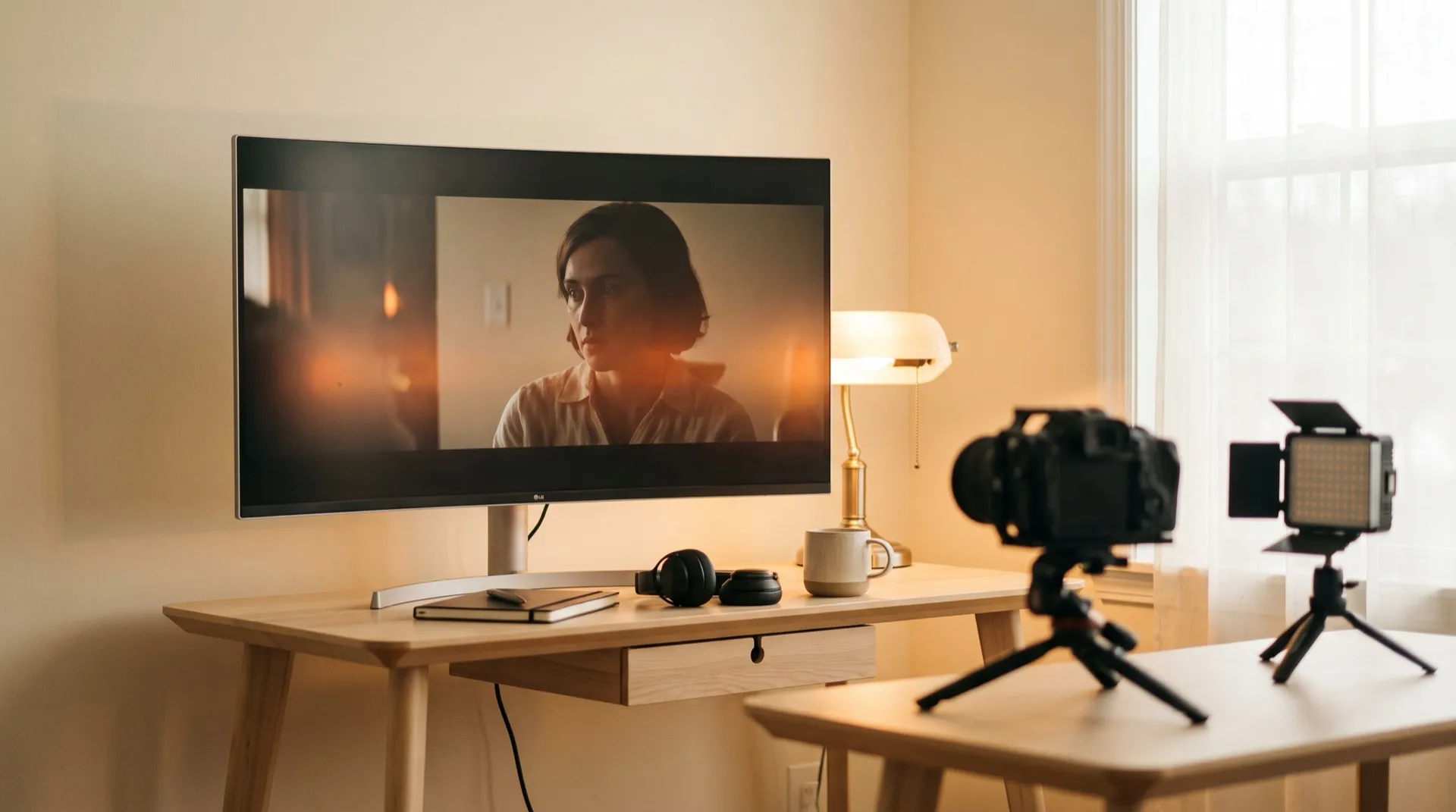
Two years ago, making a professional-looking video meant a camera, lights, editing software and — realistically — a lot of money. Today you can produce a cinematic 30-second clip from your laptop before your coffee gets cold. This guide walks you through exactly how to make AI videos in 2026, from your first prompt to your first paycheck.
The 4-step AI video workflow
Every AI video — from a TikTok ad to a short film — follows the same basic pipeline. Learn this once and every tool starts making sense.
Step 1: Start with the image, not the video
Here’s the counterintuitive trick most beginners miss: great AI videos start as great AI images. Instead of asking a video model to invent everything at once, professionals first generate a strong still frame (the “start frame”), then animate it.
Generate your key frame with an image model (Midjourney, Nano Banana or similar), iterate until the composition, lighting and character look exactly right — and only then move to video. Iterating on images costs pennies; iterating on video costs dollars.
Step 2: Animate with a video model
Take your start frame into a video model — the current leaders are Google Veo, Kling and Runway — and describe the motion you want: camera movement, character action, atmosphere. Short, specific prompts beat long poetic ones:
“Slow push-in on the woman’s face. She smiles slightly. Wind moves her hair. Warm golden-hour light. Static background.”
Generate 4–8 seconds at a time. Longer clips drift; short clips stay sharp and stitch together cleanly.
Step 3: Add sound — the step everyone skips
Sound is 50% of the experience and 5% of the effort. A video that feels “AI-generated” usually sounds empty, not looks empty. Add three layers: ambient background (room tone, street noise), sound effects synced to actions, and music that matches the emotional arc. Tools like ElevenLabs cover voiceover and effects; Suno and Udio handle music.
Step 4: Edit the clips into a story
Individual AI clips are ingredients, not a meal. The edit — ordering, pacing, cutting on action, matching sound to picture — is what turns eight disconnected shots into a video people actually watch to the end. Any editor works: CapCut (free), DaVinci Resolve (free), or Premiere.
What does it cost to start?
Less than most people expect. A realistic starter budget in 2026:
- Image generation: $10–20/month
- Video generation: $10–30/month gets you dozens of clips
- Sound and music: free tiers cover your first months
- Editing: free (CapCut or DaVinci Resolve)
Under $50/month for a complete production stack. Compare that to a single day of traditional video production.
The mistakes that keep beginners stuck
Tool-hopping. A new “best AI video tool” launches every week. People who make progress pick one image tool and one video tool and master them. People who don’t are still watching comparison videos six months later.
Prompting for perfection. Your 30th video will embarrass your 3rd. Volume beats polish while you’re learning — generate, publish, repeat.
Working alone. The fastest learners share work-in-progress, steal techniques from others’ prompts, and get feedback on why their character’s face keeps changing between shots. That’s hard to do solo — which is why most working AI video creators are in a community. The largest one, AI Video Bootcamp, has 24,000+ members, weekly challenges with cash prizes, and a beginner roadmap that mirrors the workflow above.
From skill to income
Once you can reliably produce clean 15–30 second videos, you’re employable. The typical first-money paths:
- UGC-style ads for brands — $100–500 per video (full guide here)
- Faceless YouTube channels — ad revenue at scale (how that works)
- Client work — product videos and brand films, $1k+ per project
Which path fits you depends on your goals and taste. Our free 2-minute career quiz gives you a personalized recommendation — or grab the AI Video Career Roadmap PDF comparing all five paths.
FAQ
Do I need a powerful computer? No. All major AI video tools run in the cloud — a browser and a stable connection are enough.
How long until I’m “good”? Most people produce respectable work after 2–4 weeks of daily practice, and client-ready work in 2–3 months.
Can AI video really look professional? Yes — the top AI films get millions of views and win festival slots. The gap isn’t the technology anymore; it’s the craft of the person using it.